Install it on both devices you want to share files between. No Google Play? Download the APK instead.
 kickFile
Move files between your phone and laptop
Over your Wi-Fi or your phone's hotspot. Full quality, encrypted end to end. No account, no cable, no internet, no ads. Free and open source.
Download kickFile
All platforms
Get it for your device
Android phone
Android 8.0 or later

- APK file (GitHub)
- Add to Obtainium
- F-Droid In review
- IzzyOnDroid Coming soon
Mac
macOS 12 or later, Apple silicon or Intel
- DMG (GitHub)
- Homebrew:
brew install --cask ukpratik/tap/kickfile
Windows PC
Windows 10 or 11, 64-bit
iPhone & iPad
Not available yet
- Coming later
How it works
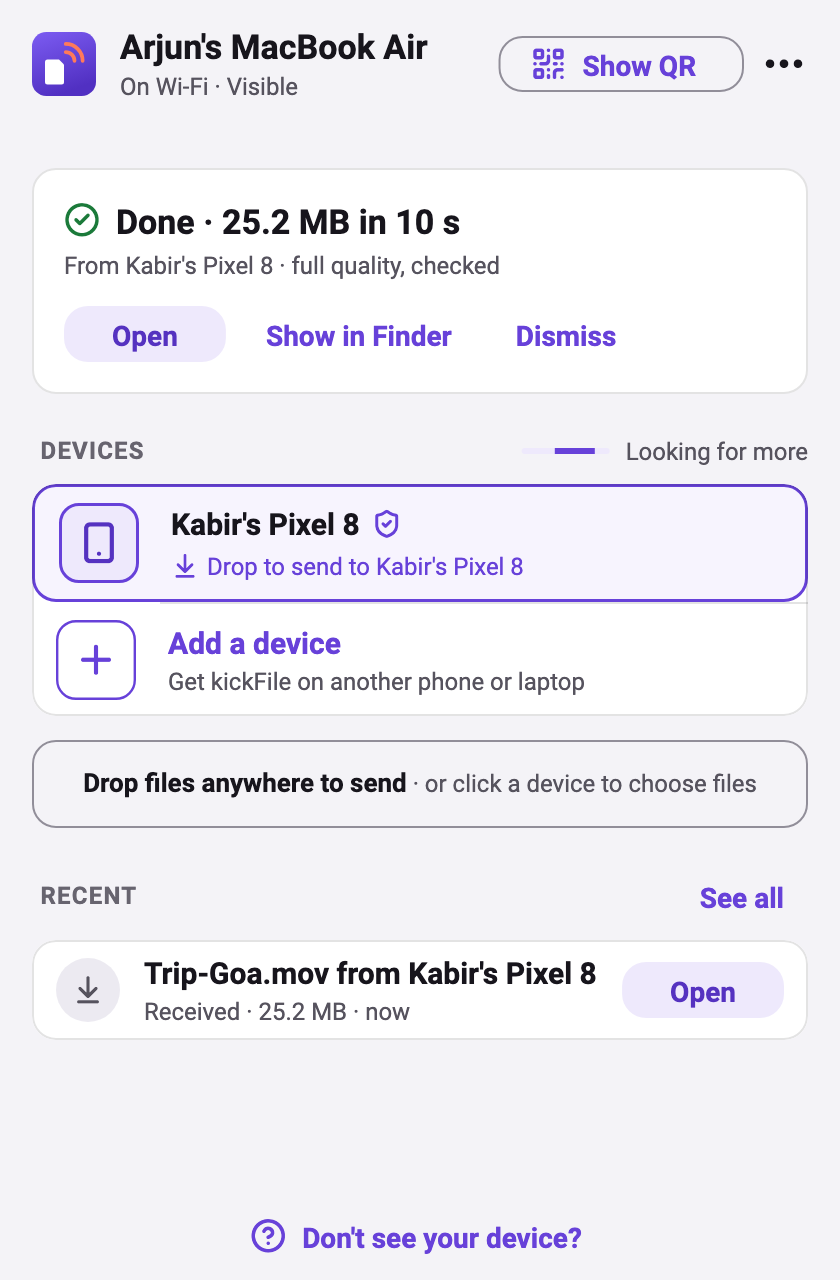
- Open kickFile on both devices, on the same Wi-Fi or your phone's hotspot. They find each other by themselves (or scan a QR code).
- Pick files and tap the other device. On a computer, drag files onto it.
- The first time, check that both screens show the same 6-digit code, then trust the device. Files go straight across your local network, encrypted.
Watch the 3-minute how-to video
First time on a Mac
kickFile isn't notarised by Apple yet, so macOS blocks the first launch. Open it once, then go to System Settings › Privacy & Security and click Open Anyway. Allow it to find devices on your local network when asked.
First time on Windows
Run the installer (or unzip the zip anywhere and run kickfile.exe). If SmartScreen warns about an unknown app, choose More info › Run anyway. Allow kickFile through the firewall on private networks.